Table of Contents
- How to Sell Lightroom Presets Online
- Step 1: Create High-Quality Lightroom Presets
- How to Create and Sell Lightroom Presets as Digital Products (My Top Tips for More Sales!)
- Step 2: Package Presets for Sale
- Step 3: Choose a Platform for Selling Presets
- Step 4: Price and List Your Preset Packs
- Step 5: Promote and Market Your Presets
- Conclusion
- FAQs
How to Sell Lightroom Presets Online
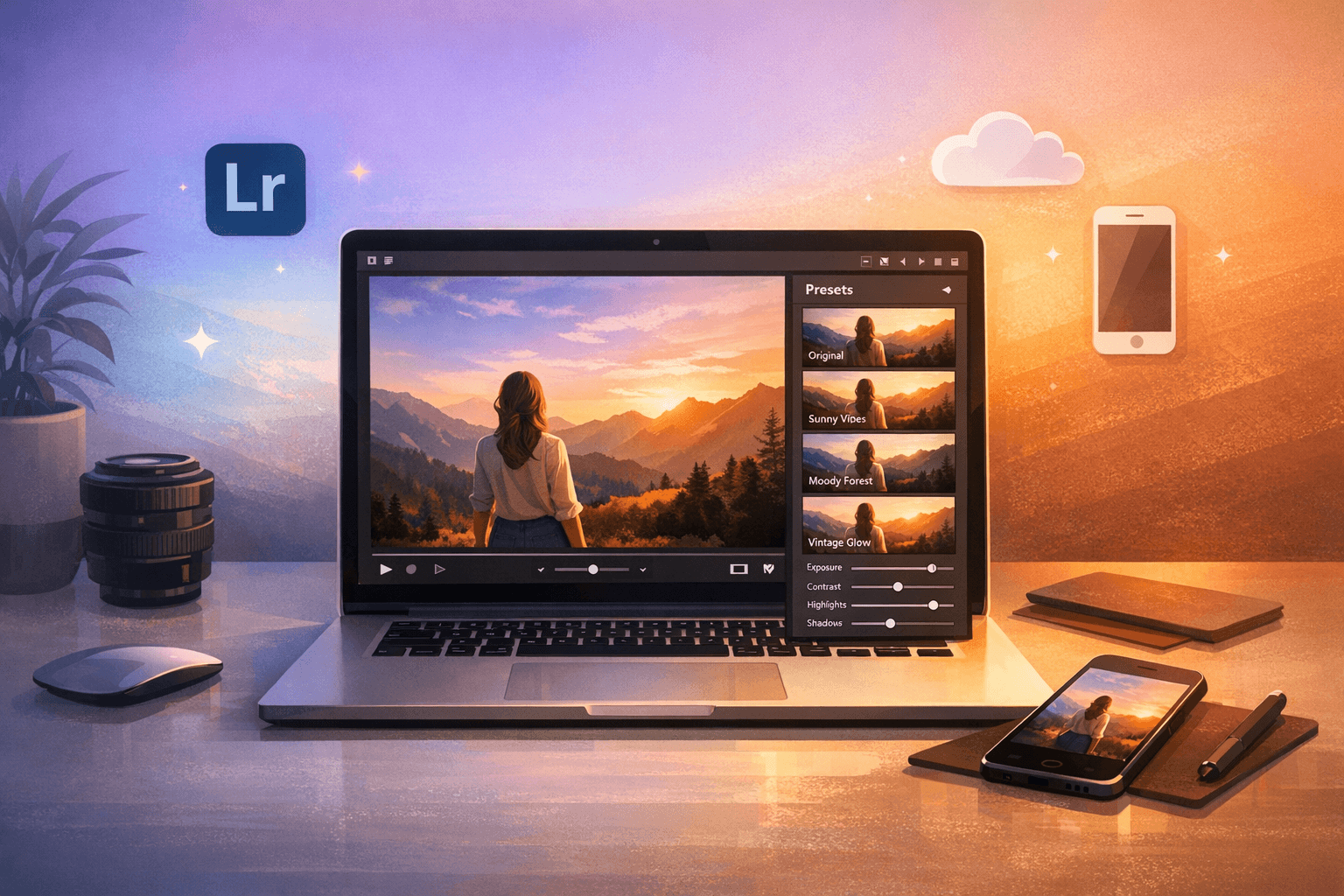
Selling Lightroom presets online is a simple way to earn passive income by leveraging your photo editing skills. Presets are pre-saved editing adjustments in Adobe Lightroom that photographers and social media creators use to save time and maintain consistency. With demand growing since Adobe enabled mobile sharing in 2018, many creators have turned presets into profitable businesses, with some earning over $25,000 shortly after launching their first packs.
Here’s how you can start:
- Create High-Quality Presets: Focus on a specific audience (e.g., wedding photographers, food bloggers) and test presets across different images.
- Package for Sale: Include .xmp (desktop) and .dng (mobile) files, along with clear installation instructions in a ZIP folder.
- Choose a Platform: Use marketplaces like Presets.io for targeted exposure or sell directly via your website for full control.
- Set Prices: Research market rates - preset packs typically sell for $25–$50.
- Promote Your Work: Use social media, before-and-after images, and free samples to attract buyers.
Selling presets is low-cost, scalable, and in demand. With a clear strategy, you can turn your editing style into a consistent revenue stream.

5-Step Process to Sell Lightroom Presets Online
Step 1: Create High-Quality Lightroom Presets
Identify Your Target Audience and Style
The first step in creating Lightroom presets is figuring out who you're designing them for. Take a look at your portfolio and pinpoint recurring themes - do your edits lean toward dark and dramatic, or are they soft and light? Once you've identified your style, think about specific niches. For example:
- Wedding photographers often need presets to handle tricky lighting at receptions.
- Real estate photographers may prefer clean, bright adjustments for property shots.
- Food bloggers typically look for warm, inviting color grading.
Focusing on a specific audience makes it easier to stand out. As the 500px Editorial Team puts it:
"The more specific you can get in refining your market and your point of view, the better."
Do some research to see what's already popular. Browse online marketplaces, use keyword tools to spot high-demand styles, and check out trending photography feeds for inspiration. Popular categories often include cinematic, vintage, film-inspired looks, or seasonal themes like "cozy and warm" for winter or "bright and breezy" for summer.
When creating presets, aim to solve common editing challenges. For instance, you could design presets that handle overexposed beach shots or low-light nighttime photos. Test your presets on at least three different images with varying lighting to ensure they work across a variety of situations.
Once you’ve nailed down your style, it’s time to start building your presets in Lightroom.
Create and Save Presets in Lightroom
With your style in mind, open Lightroom Classic and choose a photo that matches your target aesthetic. Head to the Develop module and tweak settings like Tone Curve, Color Grading, and Effects until you achieve the look you want. Avoid adjusting Exposure or White Balance for general-use presets, as these settings can vary significantly between images.
Photographer Mike Newton explains it well:
"A Lightroom Preset is a pre-determined position all (or some) of the sliders in Lightroom... you can edit a photo to your liking, and then save that exact combination of slider positions for future use."
Once your edit is ready, go to the Presets panel, click the "+" icon, and select "Create Preset." Give it a descriptive name, choose only the settings you’ve modified, and click "Create."
To prepare your presets for sale, right-click the saved preset in the panel and select "Export" to save it as an .xmp file for desktop users. If you're targeting mobile users, create .dng files instead.
Group Presets into Themed Collections
Preset collections sell better when they're organized around a theme and include variations for different lighting conditions. Aim for 10 to 20 presets per pack - enough to offer variety without overwhelming your customers.
Start with a strong base preset and create 3–5 variations for specific scenarios, like sunset, cloudy skies, or black-and-white edits. As photographer Lukas Piatek points out:
"A high-quality preset needs to complement a wide range of photos to be marketable."
Organize your presets by theme in Lightroom (e.g., Vintage, Cinematic) to make exporting easier. When you're ready, right-click the group and select "Export Group" to save everything as a single ZIP folder. Use descriptive names that highlight the mood and purpose of each preset, and consider adding your business name to the metadata for a polished, professional touch.
How to Create and Sell Lightroom Presets as Digital Products (My Top Tips for More Sales!)
Step 2: Package Presets for Sale
Once your presets are created and organized, it’s time to package them for smooth delivery to your customers.
Bundle Preset Files with Installation Instructions
Make it easy for customers to download and install your presets. Export desktop presets as XMP files and mobile presets as DNG files, then combine both into a single ZIP folder. This ensures your presets are compatible across devices, giving customers the flexibility to edit on their preferred platform.
Within the ZIP folder, include a PDF guide with clear, step-by-step installation instructions. For desktop users, explain how to open Lightroom, navigate to the Develop tab, right-click the Presets panel, select Import, and locate the XMP files. For mobile users, guide them to import the DNG files as photos and use the "Create Preset" option in the settings menu.
Don’t forget to add tips on how to use the presets effectively and outline any licensing terms. Also, as emphasized by photographer Andy Gray:
"Don't miss out on quality control when creating high quality presets. Be rigorous, and check and re-check each preset."
Test your presets on a variety of images to ensure they perform consistently before finalizing the package.
Create Before-and-After Sample Images
Before-and-after images are one of the best ways to showcase the power of your presets. As photographer Bria Celest wisely notes:
"People are very visual and tend to be attracted to good photos. Use before and after pictures and have people test them out on their photos so you can use that as a way to show the versatility of your preset."
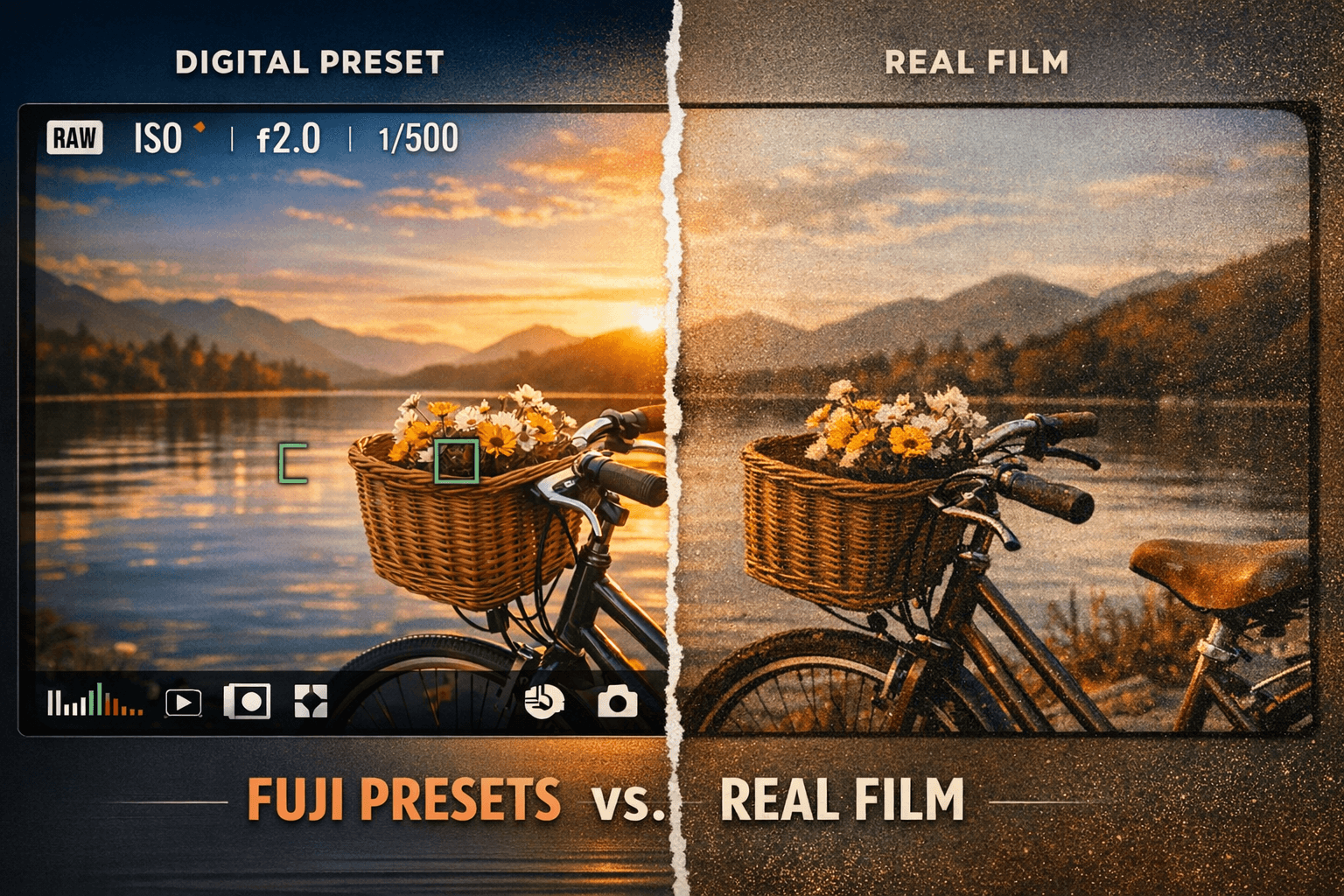
A split-screen format works particularly well - divide a single image in half, showing the unedited version on one side and the preset-applied version on the other. Alternatively, arrange the original and edited photos side-by-side to highlight changes in color, contrast, and tone. Testing your presets on a variety of images will help demonstrate their flexibility.
To protect your work and improve visibility, add watermarks and label each sample with the corresponding preset name. This not only prevents unauthorized use but also makes your presets easier to find online.
Step 3: Choose a Platform for Selling Presets
Picking the right platform to sell your presets is a big decision. It influences everything - how much money you take home, how many people see your work, and how much control you have over your brand identity.
Why Use Presets.io
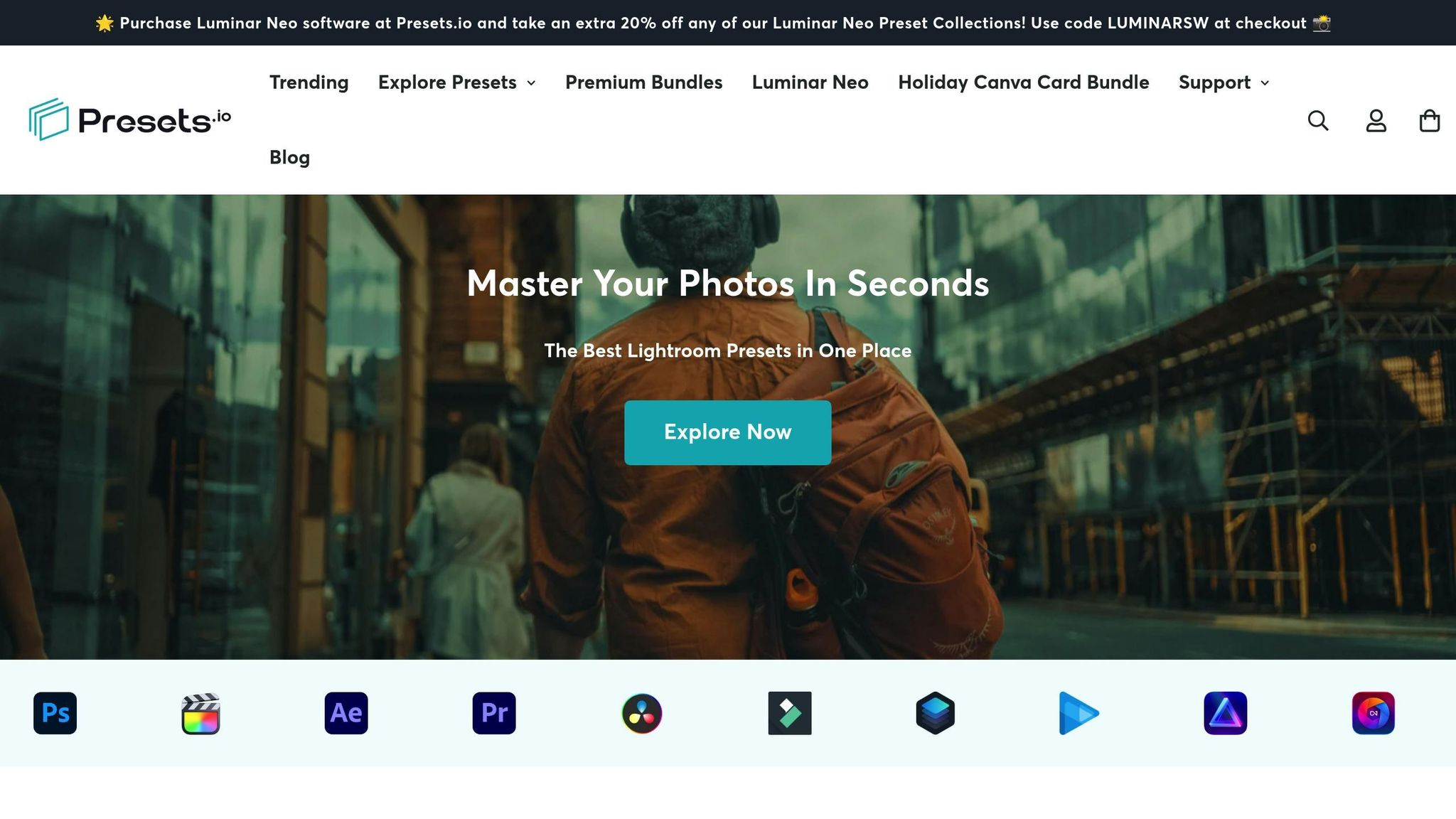
Presets.io is a marketplace built specifically for Lightroom users. Unlike broader platforms where your presets might get lost among unrelated products, Presets.io draws in a focused audience - all looking for photo editing tools. It’s a trusted space with a 4.8/5 star rating from 1,418 reviews, which speaks volumes about its reputation with both sellers and buyers.
The platform features curated collections like cinematic, vintage, and film-inspired presets, alongside options for Capture One and Luminar NEO. This niche focus attracts "warm" traffic - visitors who are actively searching for editing tools, not just casually browsing. Plus, new presets are highlighted weekly, giving your work consistent visibility among photographers and content creators who are eager to buy.
While Presets.io offers targeted exposure, don’t stop there. Take the time to weigh all the features of any platform to ensure it aligns with your needs.
What to Consider When Choosing a Platform
When evaluating platforms, start with the fee structure. Understand how much each sale will cost you in fees and how that affects your overall profits.
Instant delivery is a must. Your platform should automatically send ZIP or DNG files to buyers as soon as they make a purchase. People expect immediate access to digital products, and delays caused by manual delivery can frustrate customers.
Also, make sure the platform supports both desktop and mobile preset files. With the number of social media users projected to hit 5.85 billion by 2027, mobile compatibility is critical. Many influencers and creators edit right from their phones, so catering to this audience is essential.
Think about your long-term plans too. Platforms like Presets.io give you quick access to a ready-made audience, but they limit how much control you have over branding. On the other hand, selling through your own website means you can set your own prices, design the shopping experience, and build a direct relationship with your customers. However, it also means you’ll need to invest in growing your audience through social media and SEO.
Lastly, look for platforms with marketing tools. Features like discount codes, SEO support, and the ability to showcase before-and-after images can help your presets stand out and turn casual browsers into paying customers.
The Master Lightroom Preset Bundle Vol II – Mobile & Desktop + LUTs
$69.00
$990.00
The Master Lightroom Preset Bundle Volume II New Looks. More Styles. Even More Creative Control. Get 66 brand-new Presets.io collections in one powerful Volume 2 bundle — crafted to expand your editing range, refresh your workflow, and deliver polished, professional results… continue reading

sbb-itb-b27063b
Step 4: Price and List Your Preset Packs
Once you've picked your platform, it’s time to decide on pricing and create listings that turn casual browsers into paying customers. This step is all about finding the right balance between market expectations and profitability.
Research Current Market Prices
Pricing your preset bundles can feel tricky, but a little research goes a long way. Most Lightroom preset packs containing 10 to 20 presets are typically priced between $25 and $50, while single presets often sell for $2 to $10. A popular choice for creators is to price packs of 12–15 presets at around $25. Premium packs, especially from well-known photographers, can fetch $100 to $500+, often because they include extras like tutorials, commercial licenses, or larger collections.
Don’t forget to account for fixed costs like your Adobe Creative Cloud subscription ($9.99/month), hosting fees, and marketing expenses. While digital products generally have high profit margins, platform fees can eat into your earnings - selling on your own website means keeping 100% of the profits, but marketplaces might take up to 30% in commissions.
It’s also worth analyzing niche-specific pricing. For instance, wedding presets may be priced differently than astrophotography packs. Decide whether you want to aim for high-volume sales with lower prices or position yourself as a luxury brand with premium pricing. As photographer Andy Gray wisely advises, "Don't undervalue your presets."
To kick things off, consider offering an introductory price - something between $5 and $15 - to build momentum and attract those crucial first reviews.
Write Clear Product Descriptions
Your product descriptions should leave no room for confusion. Start by detailing exactly what buyers will get: the number of presets, compatible software versions (Desktop vs. Mobile), and file types (XMP for desktop, DNG for mobile). Highlight the types of photos your presets are designed for - be specific. For example, instead of saying "improves photos", describe how your presets "add warm, golden tones for outdoor portraits" or "create dark, moody edits perfect for urban photography."
With an estimated 5.85 billion social media users by 2027, ensuring mobile compatibility is a huge selling point. Make sure to emphasize this if your presets work on mobile devices.
Use Quality Images and Keywords
Visuals are everything when selling presets. High-quality preview images let potential buyers see the magic your presets can create. Use split-screen comparisons and bold title overlays to showcase the before-and-after effects. This not only highlights the preset’s impact but also reinforces your branding.
Photographer Bria Celest sums it up perfectly: "People are very visual and tend to be attracted to good photos." To appeal to a broader audience, test your presets on various subjects, lighting conditions, and camera systems. This shows their versatility and builds buyer confidence.
Adding watermarks or your preset name to preview images protects your work and ensures your branding stays visible, even if the images appear in search results. Avoid bland names like "Preset 1" or "Pack A." Instead, go for descriptive and memorable titles like "Mocha Tones", "Vintage Hipster", or "Golden Hour Glow." These not only grab attention but also improve searchability.
Finally, optimize your listings with long-tail keywords, such as "wedding Lightroom presets", to make your products easier to find. A little SEO effort can make a big difference in reaching your target audience.
Step 5: Promote and Market Your Presets
Once your presets are priced and listed, the next step is making sure they reach the right audience. Creating presets is just the beginning - what really drives sales is smart promotion. Without a solid marketing plan, even the most stunning presets can get lost in the crowd. Here’s how to boost visibility and turn potential buyers into loyal customers.
Leverage Social Media Platforms
Social media is your best friend when it comes to marketing presets, especially platforms like Instagram. With its highly visual nature and active photography community, Instagram is the ideal place to showcase your work. Post before-and-after images regularly, and always include a clear call-to-action in your bio, such as "Shop my Lightroom presets here." Reference this link in your captions to guide followers directly to your store.
Pinterest is another powerful tool. Think of it as a visual search engine where users actively look for inspiration. Pin your before-and-after images with detailed keywords like "warm wedding presets" or "moody urban photography" to make your content easier to find.
Short-form videos on TikTok and Instagram Reels can also work wonders. Show the transformation process in real-time to build trust and give potential buyers a clear idea of what they’re getting. With billions of users across these platforms, the reach is enormous.
Don’t just post - engage! Respond to comments quickly and interact with accounts in your niche to boost your visibility in platform algorithms. Use up to five targeted hashtags per post to connect with your ideal audience. And if you have over 10,000 Instagram followers, take advantage of the link sticker in Stories to drive traffic directly to your product pages.
Offer Discounts or Free Samples
Once your social media presence is established, it’s time to convert engagement into sales. One effective way to do this is by offering incentives like discounts or free samples. Free samples let potential buyers try your presets on their own photos, building trust and encouraging them to make a purchase. As 500px suggests:
"You can also offer a free pack as well as a paid selection so buyers can sample your work before they buy".
Creating urgency is another tactic that works well. Limited-time discounts or exclusive coupon codes can motivate first-time visitors to take the plunge. You can even run contests on social media where participants follow your account or join your email list to win a free preset pack - this not only boosts sales but also grows your audience quickly.
When promoting these offers, side-by-side comparison images can be incredibly effective. They show the immediate value of your presets. You might also consider bundling multiple preset packs at a discounted rate to encourage larger purchases. Just remember: even free samples should reflect the quality of your paid presets. A poorly made freebie can turn buyers away for good.
Build a Brand for Your Presets
A strong, recognizable brand can set you apart from the competition. Start by defining your signature style - whether it’s dark and moody, bright and airy, or something vintage-inspired. This aesthetic will become your visual identity and help customers associate your presets with a specific look. For example, photographer Sorelle Amore made over $25,000 by focusing on her "dark, moody, and vintage" style, which became her trademark.
Naming your presets is another opportunity to stand out. Instead of generic names, choose something memorable and descriptive, like "Golden Hour Glow" or "Urban Noir." These names are not only more engaging but also easier for customers to search for online. Organize your presets into themed collections - such as wedding, landscape, or urban photography - to showcase your expertise in specific areas.
To build trust and authority, share photography tips or behind-the-scenes content on your social media or blog. As Andy Gray puts it:
"Show your presets in action so customers know you use them yourself".
Finally, consider teaming up with other photographers for cross-promotion. A "preset swap", where you promote each other’s packs, can help you tap into new audiences without spending extra on marketing. This kind of collaboration builds credibility and expands your reach organically.
Conclusion
Selling Lightroom presets online is a straightforward way to turn your photography skills into a reliable income source. This guide covered the key steps: crafting presets with a distinct style, carefully packaging them, selecting the right platforms, pricing based on market research, and promoting them through social media and strategic marketing. When combined, these steps create a system that can bring in steady, recurring income.
The numbers speak for themselves. Photographer Dawn Hänsch made over $100,000 selling preset packs priced between $8 and $15. Similarly, Sorelle Amore earned more than $25,000 shortly after launching her store, which featured a "dark, moody, and vintage" aesthetic. These examples highlight that with the right approach, selling presets can evolve into a significant revenue stream rather than just a side hustle.
The key to success lies in consistency and quality. Your presets must solve specific editing challenges for your audience. For instance, wedding photographers might need soft, romantic tones, while travel bloggers often look for vibrant, eye-catching colors. By focusing on clear solutions and delivering strong visuals, you can meet the needs of your target market.
Once your presets are ready, entering the market is the next important step. Platforms like Presets.io provide an excellent starting point to explore what’s trending. Study successful collections to understand pricing, presentation, and potential gaps in the market that your unique style could fill. With social media expected to grow to 5.85 billion users by 2027, the demand for presets will likely continue to rise - making it a great time to launch your store.
Take the first step by creating your initial preset pack. Experiment with pricing, gather feedback, and refine your approach as you go. Many successful photographers started small, learning and improving along the way. With dedication and a clear strategy, your photography skills can become a dependable source of recurring income.
FAQs
How can I make my Lightroom presets more appealing to a specific audience?
To create Lightroom presets that truly connect with your audience, start by digging into their preferences and photography styles. Are they drawn to cinematic vibes, vintage aesthetics, or wanderlust-filled travel shots? Tailor your presets to match those themes. Think about specific challenges they face - like nailing a consistent golden-hour glow for travel bloggers or perfecting skin tones for portrait photographers - and design solutions for those needs.
When showcasing your presets, use striking before-and-after images to clearly demonstrate their impact. For example, highlight how a preset "adds warm highlights while keeping skin textures natural." Pricing is also key: individual packs often go for $15–$25, while bundles can range from $45–$60. Promote your work where your audience spends time, such as Instagram or Pinterest, and consider selling through Presets.io, a marketplace dedicated to Lightroom and mobile presets. Don’t forget to gather buyer feedback - it’s a great way to fine-tune your presets and ensure they stay relevant.
What are the most effective ways to promote Lightroom presets on social media?
To effectively market your Lightroom presets, focus on creating eye-catching visuals that highlight their transformative power. Share before-and-after photos or quick video clips to showcase how your presets can elevate images. These types of content not only grab attention but also make it easy for people to see the value of what you're offering. Don't forget to include a call-to-action in your bio with a direct link to your Presets.io shop or a landing page, making it simple for followers to explore and buy.
Expand your reach by using targeted hashtags like #lightroompresets and #photoediting. Post during peak U.S. engagement hours, such as 11 a.m.–2 p.m. ET or 7 p.m.–9 p.m. ET, to maximize visibility. Partnering with micro-influencers can also be a game-changer - they can feature your presets in their content, introducing them to a wider audience. Another effective tactic is running limited-time giveaways that encourage users to share your posts, helping to spread the word even further.
To make the most of your content, repurpose your demo videos for platforms like TikTok, YouTube Shorts, and Pinterest. This approach keeps your messaging consistent while reaching different audiences. By combining these strategies, you can turn your presets into must-have tools for photographers and creators alike.
How do I set the right price for my Lightroom preset packs?
To set the right price for your Lightroom preset packs, start by checking out similar products on online marketplaces. This will give you a sense of the typical price range. Generally, single-preset packs sell for around $5–$10, while bundles with multiple presets often go for $15–$30 in the U.S. market.
Think about what makes your pack stand out - how many presets are included, how distinctive they are, and whether you’re offering extras like before-and-after examples or a usage guide. Start with a competitive price point and keep an eye on sales trends and customer feedback. If sales seem slow, consider running a limited-time discount or tweaking the price slightly. Over time, as your brand grows or you release new collections, revisit your pricing strategy to ensure it reflects the value you’re providing while staying competitive.